
The Agenda in the mobile app helps team members stay organized by showing their scheduled activities for the day or within a selected date range. Depending on your role, your agenda will display different types of tasks and jobs.
How to Access Agenda
Open the mobile app.
Tap the calendar icon at the bottom of the screen.
Your daily or date-range bookings will appear in the Agenda view.
Important: please keep in mind the date selector always defaults to Today when you launch the app; selected date range is preserved during a session but resets to default when you launch the app again.
Switching Roles in Agenda

If you have dual roles, the app provides two different agenda views. To switch between them:
|
 |
Estimator’s and Fieldworker’s Agenda
The Estimator’s agenda includes all activities related to estimation and administrative work. These can include:
|
|
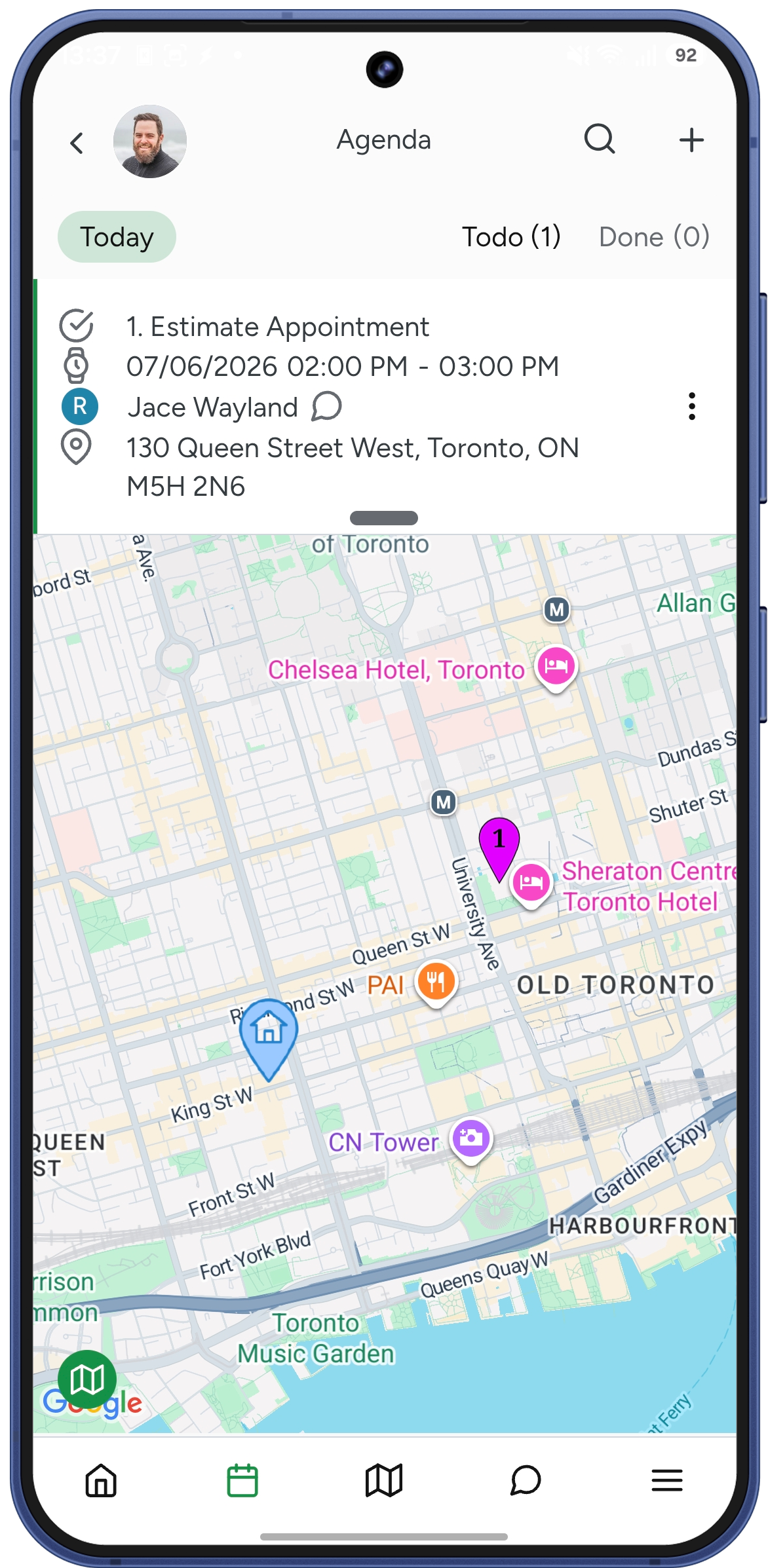
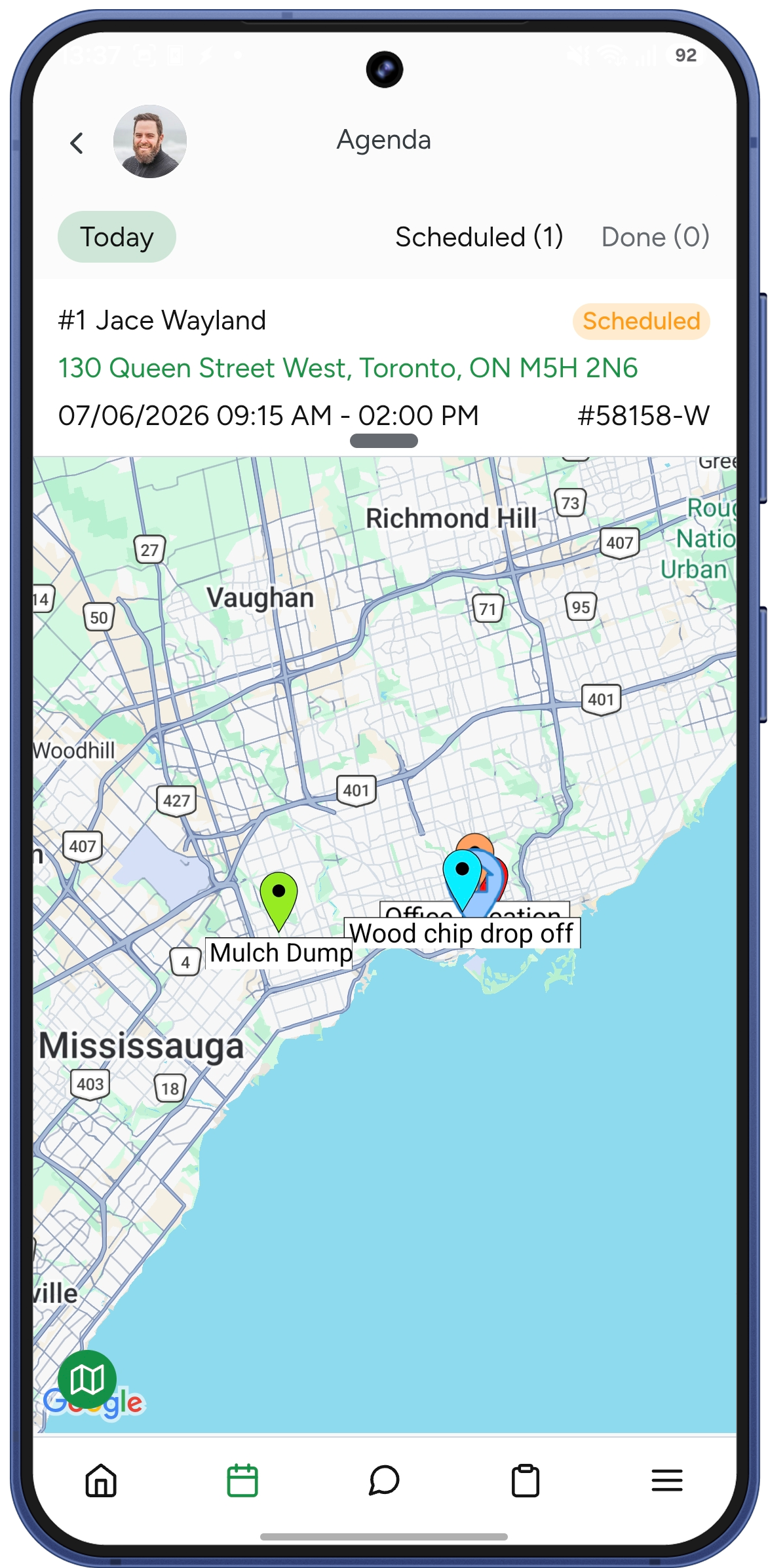
The Fieldworker’s agenda, on the other hand, displays confirmed estimates that have been converted into workorders. These are the jobs that need to be completed in the field, including scheduled services and assigned crew work. Each job includes status indicators that display its real-time progress.
|
 |
Learn more about Estimator's app and Fieldworker's app diferrences